From Spreadsheets to Scale - My Journey Through Excel, Google Sheets, and BigQuery
A practical journey through Excel, Google Sheets, and BigQuery: how each tool fits, where it breaks, and how combining them creates a scalable data workflow.
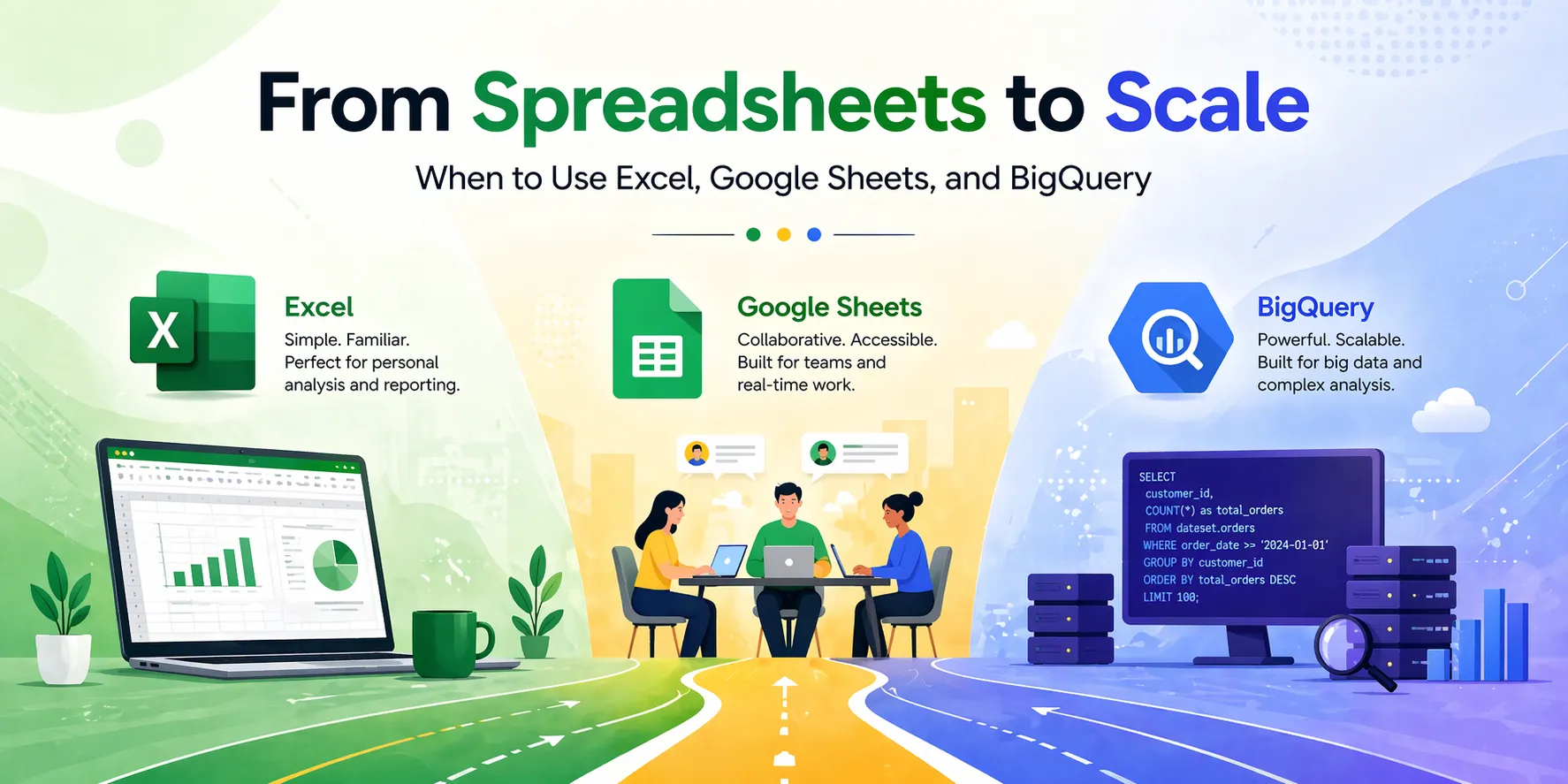
When I first started working with data, I didn’t think about tools. I just needed something that worked.
That something was Excel.
It was simple. Open a file, load the data, and start working. No setup, no environment, no dependencies. Just rows and columns. At that stage, it felt powerful. I could filter, sort, build formulas, and create quick reports. When I discovered Pivot Tables, it felt like unlocking a new level. Then came the Data Analysis Toolpak, and eventually VBA. Suddenly, repetitive tasks could be automated. Processes that took hours could be reduced to minutes.
For a while, Excel felt like it could do everything.
And for small datasets, it almost can.
But the cracks started to show as the data grew.
Files became slower. Formulas took longer to compute. One wrong reference could break an entire sheet. And when multiple versions of the same file started circulating, things got messy fast. It became clear that Excel worked best when I was working alone, with controlled data, in a controlled environment. The moment scale or collaboration entered the picture, it started to struggle.
That’s when I moved into Google Sheets.
At first, it didn’t feel like a huge upgrade. It looked similar, worked similarly, and most of the core functions were the same. But the difference showed up in how people worked with it. Multiple users editing the same file at the same time changed everything. No more sending versions back and forth. No more confusion about which file was the latest.
For team workflows, it made things smoother.
Then I started exploring deeper. AppScript opened a different kind of automation: more flexible, more connected to other systems. It wasn’t just about automating inside a file anymore. It could send emails, connect to APIs, and trigger actions.
But even with those advantages, it still had limits.
Large datasets slowed it down. Complex formulas became hard to maintain. And while it handled collaboration well, it wasn’t designed for heavy computation or large-scale data processing. It was better than Excel in shared environments, but it still lived in the same category: spreadsheets.
Then came the point where spreadsheets stopped being enough.
I remember working with datasets that were simply too large. Files wouldn’t open properly. Calculations took too long. Even trying to load the data felt like a limitation. That’s when I started looking into BigQuery.
At first, it felt completely different.
There were no sheets, no drag-and-drop, no quick formulas. Everything was query-based. You had to think in SQL. Instead of clicking through filters, you had to define exactly what you wanted. It felt slower at the beginning, not because it was inefficient, but because the way of thinking was different.
But once it clicked, everything changed.
Queries that would freeze Excel ran in seconds. Datasets that couldn’t even open in Sheets were processed without issues. Instead of worrying about file size, I started focusing on structure. Instead of manually filtering data, I could extract exactly what I needed in a single query.
That’s when I realized something important.
Excel and Google Sheets are tools for working with data. BigQuery is a system for working on data.
They don’t replace each other. They operate at different levels.
The workflow becomes much stronger when each tool is used for the job it was actually built to handle.
Excel is where things start. It’s fast, flexible, and ideal for solo work. If you need to explore data, test logic, or build quick reports, Excel is still one of the best tools available. But it works best within limits: smaller datasets, controlled workflows, and single-user environments.
Google Sheets extends that into collaboration. It allows teams to work together in real time, making it ideal for shared tracking, dashboards, and ongoing workflows. With AppScript and integrations, it becomes more than just a spreadsheet. But at its core, it still shares the same limitations when it comes to scale and performance.
BigQuery changes the game entirely. It’s built for scale. Millions to billions of rows are no longer a problem. Queries run fast, data stays structured, and workflows become more stable. But it requires a different skill set: SQL, data modeling, and a deeper understanding of how data flows.
The biggest shift wasn’t learning a new tool. It was understanding that no single tool is enough.
Trying to force Excel to handle large datasets leads to slow files and broken logic. Trying to use Sheets for heavy computation leads to performance issues. Avoiding SQL limits how much data you can actually work with.
The real improvement came from combining them.
BigQuery handles storage and heavy processing. It filters and prepares the data at scale. Then that smaller, cleaner dataset moves into Excel or Google Sheets, where analysis and reporting become faster and easier.
Each tool does what it’s designed for.
Looking back, the progression feels natural. Excel teaches you how to think in data. Google Sheets teaches you how data works in teams. BigQuery teaches you how data works at scale. Each step builds on the last, and each tool solves a different problem. Once you understand that, the question is no longer which tool is better, but how they work together to make your workflow faster, more reliable, and ready for anything that grows beyond a spreadsheet.